
Guest taps.
Staff sees it.
Put a FlairTag on each table, chair, or room. Guests tap with any phone (no app), and your staff get the request on a shared board for restaurants and for offices or practices.
A guest at table 9 taps Call server. Walk-ins tap Join the queue at the host stand and get a 4-digit ticket.
Placement
- Table center or menu stand
- Host stand
- Bar rail and patio
A patient in chair 4 taps Ready. The hygienist sees it before walking down the hall.
Placement
- Armrest or side table
- Waiting-room chairs
- Checkout area
A client at the color bar taps Need assistance. The stylist sees the station name and finishes up what they are holding.
Placement
- Mirror or shampoo station
- Manicure table
- Waiting chairs
Someone in conference room B taps Need assistance. Reception sees the room and sends help.
Placement
- Reception waiting area
- Conference and interview rooms
- Consultation offices
Exam room 2 taps Ready. The tech sees it on the board and heads over when they can.
Placement
- Exam room counter
- Waiting-room chairs
- Grooming drop-off desk
What guests can tap
Call server
Someone needs help. Staff see it on the board right away.
Check please
The table is ready to pay. Optional per location. No guessing from across the room.
Join the queue
Walk-ins tap at the host stand and get a 4-digit ticket. Staff see it in Queue.
Menu
Open your menu when that link is set for the location.
Wi-Fi & review
Join guest Wi-Fi from the code, or leave a review when those are set.
Join the queue is only on tags you mark as queue, typically at the host stand.
What guests can tap
Need assistance
Ask staff for help from the chair or waiting room.
Ready
Let staff know you are ready. Optional per location.
Book, info & shop
Booking first, then materials and shop links when you configure them.
Wi-Fi & review
Same guest Wi-Fi and review flow as restaurants.
Wi-Fi, links, and review are set once per location. Every spot inherits them. Turn off Check please or Ready from the location Guest requests section.
How it works
From seat to staff in seconds
Set up once, then every spot works the same. Guests tap; your staff see the request.
Step 1
Create your business
Choose Restaurant or Practice, then add locations for each branch or floor.
Step 2
Add spots & tags
Each table, chair, or room is a spot. Assign a FlairTag and stick it down with the included tape.
Step 3
Guest taps
They choose help, then links (menu or booking, info, shop), Wi-Fi, or leave a review, depending on what you configured.
Step 4
Staff respond
Waiting requests show on Notifications and on the location staff board. Floor staff do not need a Tap and Call account.

FlairTag
One look for the floor
Every spot gets the same light TAP face so guests learn it once. Compact Square for chairs and counters. Standard Rectangle for tables and rooms. Stick it down with the included tape.
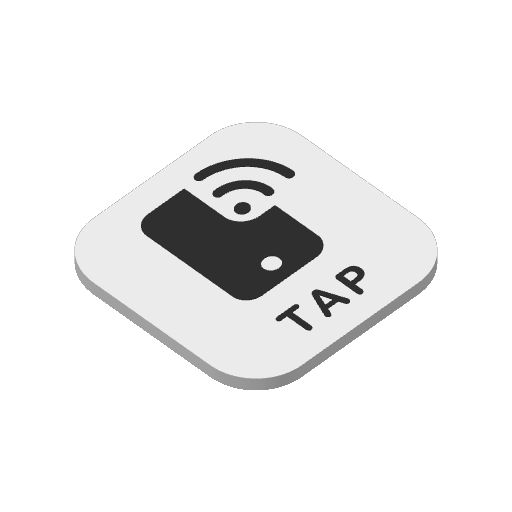
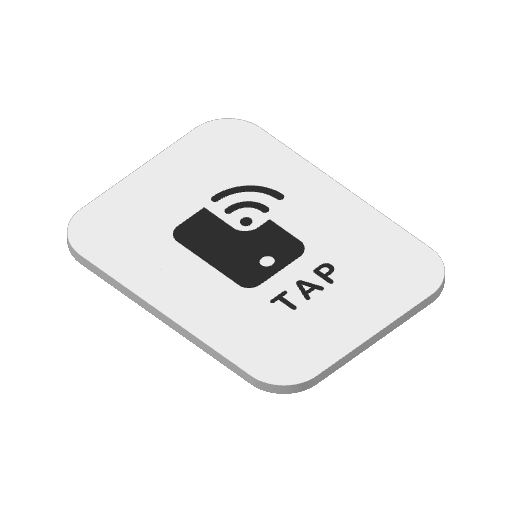
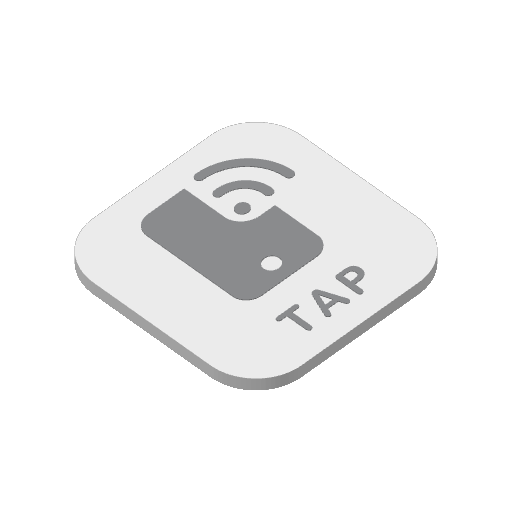
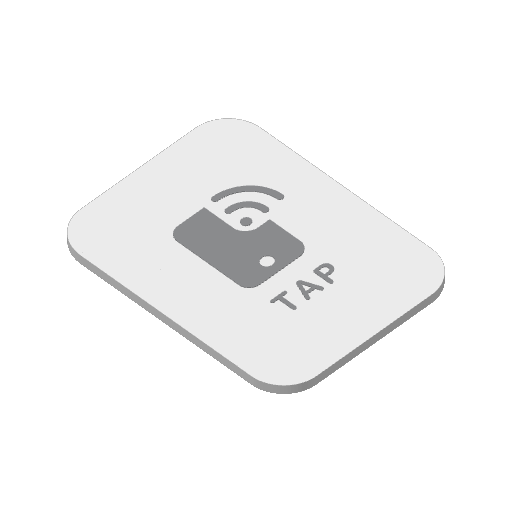
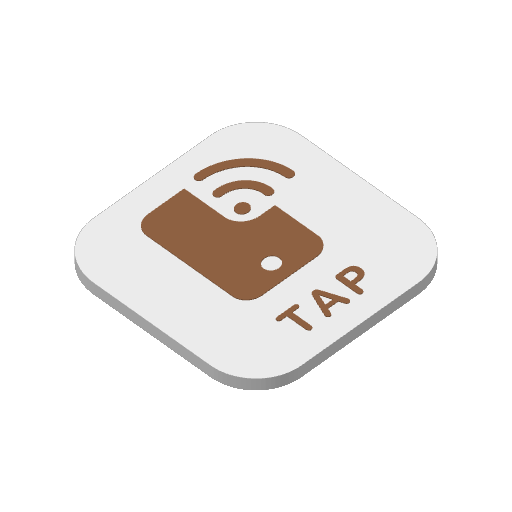
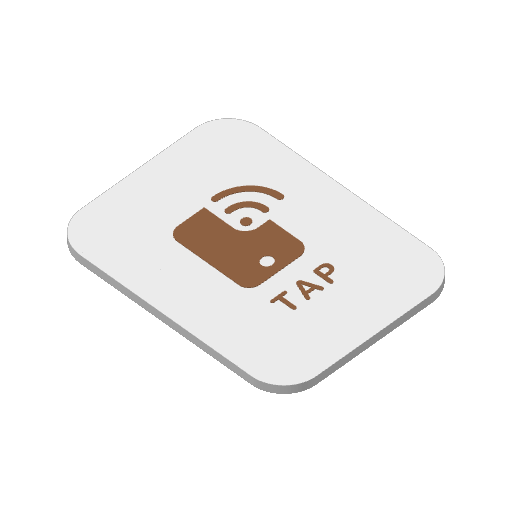
Same colors and sizes as personal FlairTag. Business tags show the light TAP face only. Magnet and chain stay on the personal kit.
Branding
Your business on every tap
Guests see your business name and logo at the top of the tap page, not Tap and Call. Upload a wide rectangular image from Edit business. Staff boards can show your brand too.
JPEG, PNG, or WebP. Change it anytime.
Staff & owners
A shared screen for the floor
Owners create a private board link and PIN per location. Staff unlock once, then see waiting requests with quiet live updates and a chime for new items. Restaurants can add a Queue section for walk-in tickets. In My account, owners get the same live Notifications badge and chime while signed in.

Floor staff do not need a Tap and Call account. Rotate the link and PIN anytime from the location Staff controls.
Operations
Grow and rearrange without starting over
Add locations for each branch or floor. Rename spots, move a FlairTag from one spot to another, or unassign a tag back to your inventory. Add more spots later; setup covers the new tags, and software is prorated through your renewal date.
Cancel at period end and your locations, spots, and tags stay. Resubscribe to the same plan when you are ready. Guest taps pause until the plan is active again.
Pricing
Spot plans
Software is priced by spot plan, not only tags you have assigned. Unused FlairTag stays in inventory. Monthly plans include a one-time FlairTag setup; annual is a full year of software with setup waived. Switch a live monthly plan to annual and nothing is due today; the annual rate starts at your next renewal.
| Spots | Monthly | Annual |
|---|---|---|
| 5 | $12 · $19 setup | $144 |
| 10 | $20 · $29 setup | $240 |
| 15 | $25 · $39 setup | $300 |
| 20 | $30 · $49 setup | $360 |
Tax is calculated from your shipping address at checkout. Need more than 20 spots? Email tapandcall-support@makergully.com.
Business is available for invited pilots. Email tapandcall-support@makergully.com if you would like to try it.
Ready for your floor?
Sign in to My account, switch to Business, and set up your first location. Looking for personal FlairTag instead? Start from Home.